BookmarkPanels
 # BookmarkPanels
**Your bookmarks as floating glass panels on any website. Press `Alt+B` and they're there.**
[](https://chromewebstore.google.com/detail/bookmarkpanels/gjpdnmblolkpcmnobbljeneeagfmiohf)
[](LICENSE)

[**Install from the Chrome Web Store →**](https://chromewebstore.google.com/detail/bookmarkpanels/gjpdnmblolkpcmnobbljeneeagfmiohf)
# BookmarkPanels
**Your bookmarks as floating glass panels on any website. Press `Alt+B` and they're there.**
[](https://chromewebstore.google.com/detail/bookmarkpanels/gjpdnmblolkpcmnobbljeneeagfmiohf)
[](LICENSE)

[**Install from the Chrome Web Store →**](https://chromewebstore.google.com/detail/bookmarkpanels/gjpdnmblolkpcmnobbljeneeagfmiohf)
Why
My bookmarks bar was a junk drawer. Links hidden behind », folders nested three levels deep, and I’d end up Googling things I had already saved.
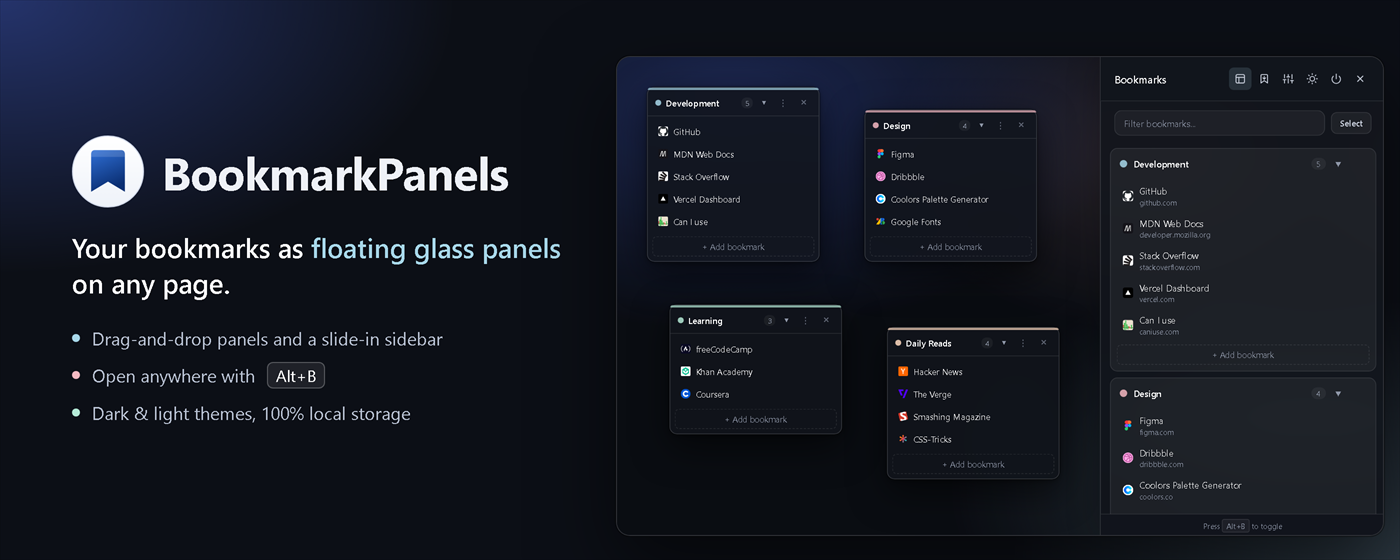
BookmarkPanels groups your links into small, colour-coded panels that sit on top of whatever page you’re on. Open them when you need them, drag them where you want them, and close them when you don’t. It doesn’t replace your New Tab page or your search engine.
Features
- Slide-in sidebar. Open it with
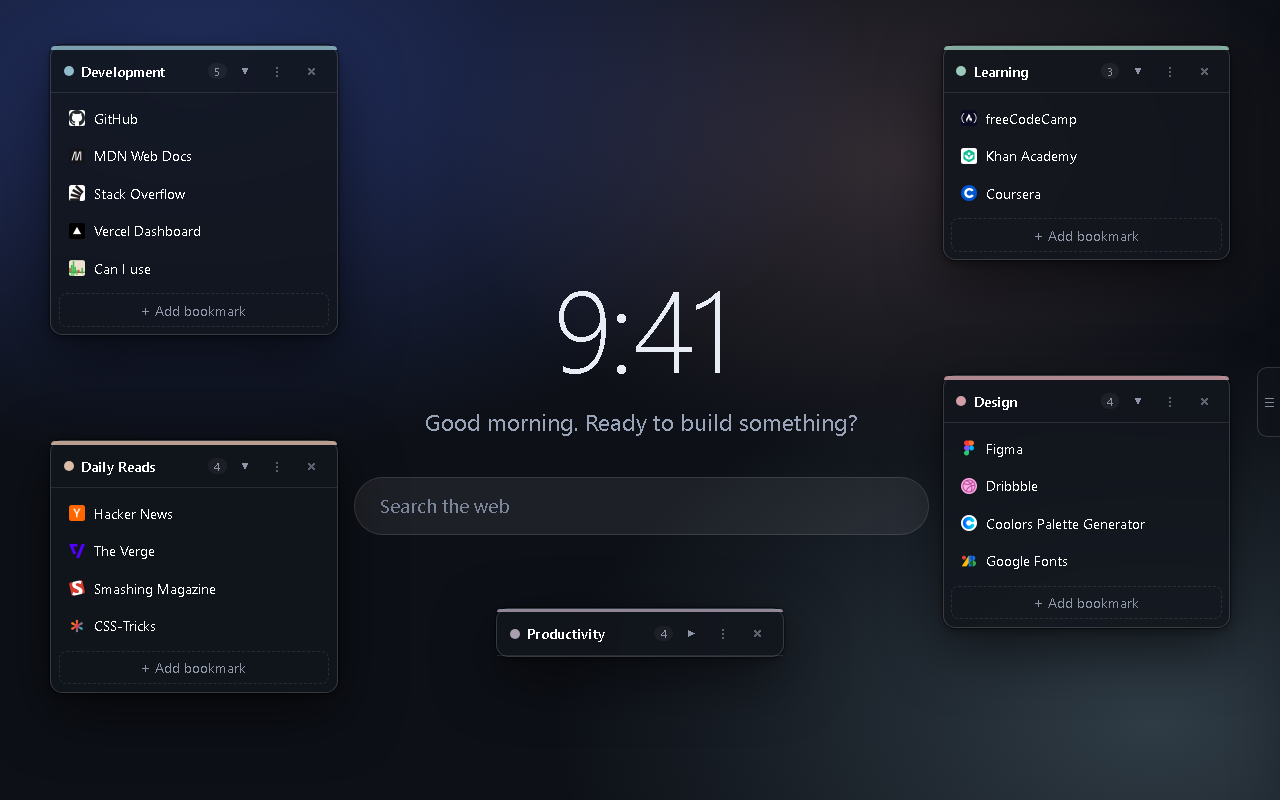
Alt+B, the toolbar button, or the small tab on the right edge of the screen. - Floating panels. Pin groups like Work, Design or Reading anywhere on the screen. Collapse or hide them per page.
- Drag & drop. Move bookmarks between panels and reorder the categories themselves.
- Instant search. Filter every bookmark as you type. No match? Press
Enterto search the web. - One-click import. Bring in your existing Chrome bookmarks. Each folder becomes a panel.
- Auto sync. Bookmarks you save in Chrome show up in the matching panel automatically.
- Right-click save. “Add to BookmarkPanels” on any page.
- Bulk actions. Select several bookmarks to move or delete them together.
- Dark & light themes, a colour per category, and adjustable glass brightness and blur.
- Private. Everything is stored locally in your browser. No account, no analytics, no server.
Screenshots
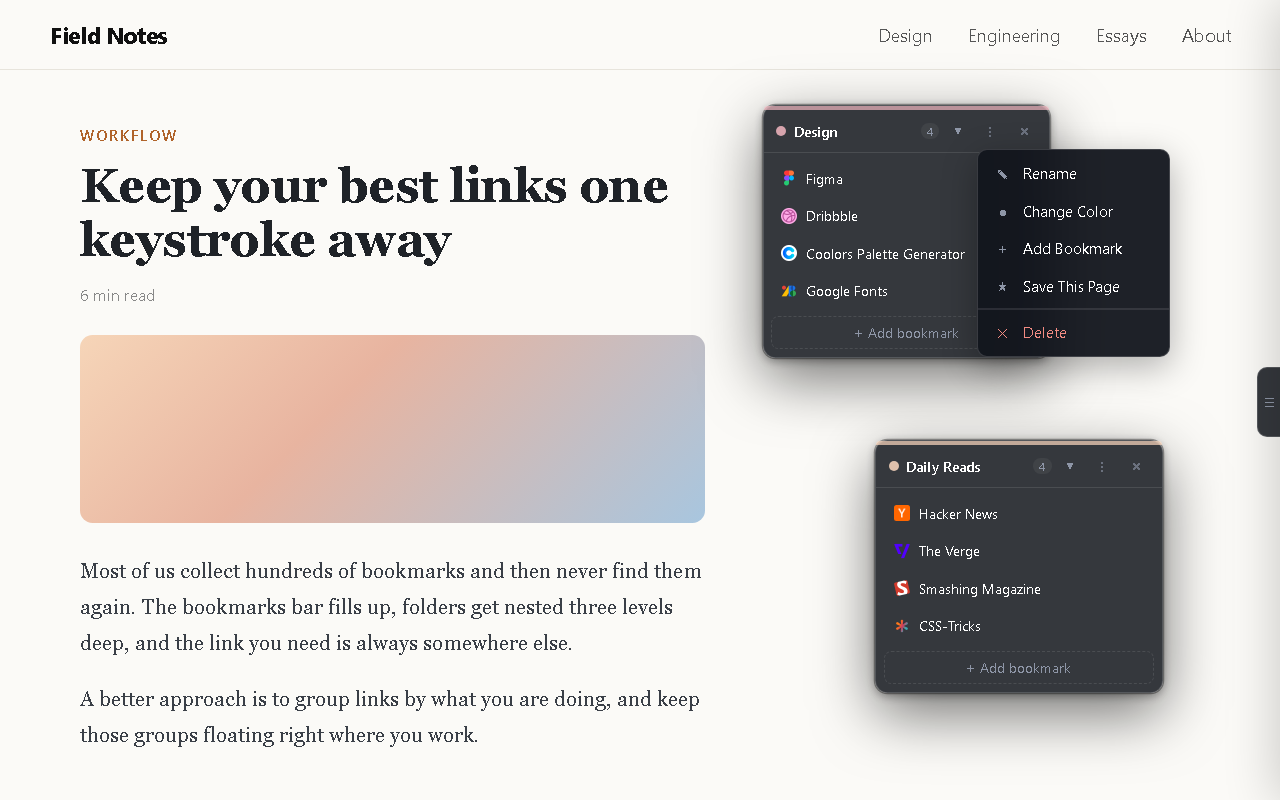
| Floating panels | Works on any website |
|---|---|
 |
 |
| Instant search | Light theme |
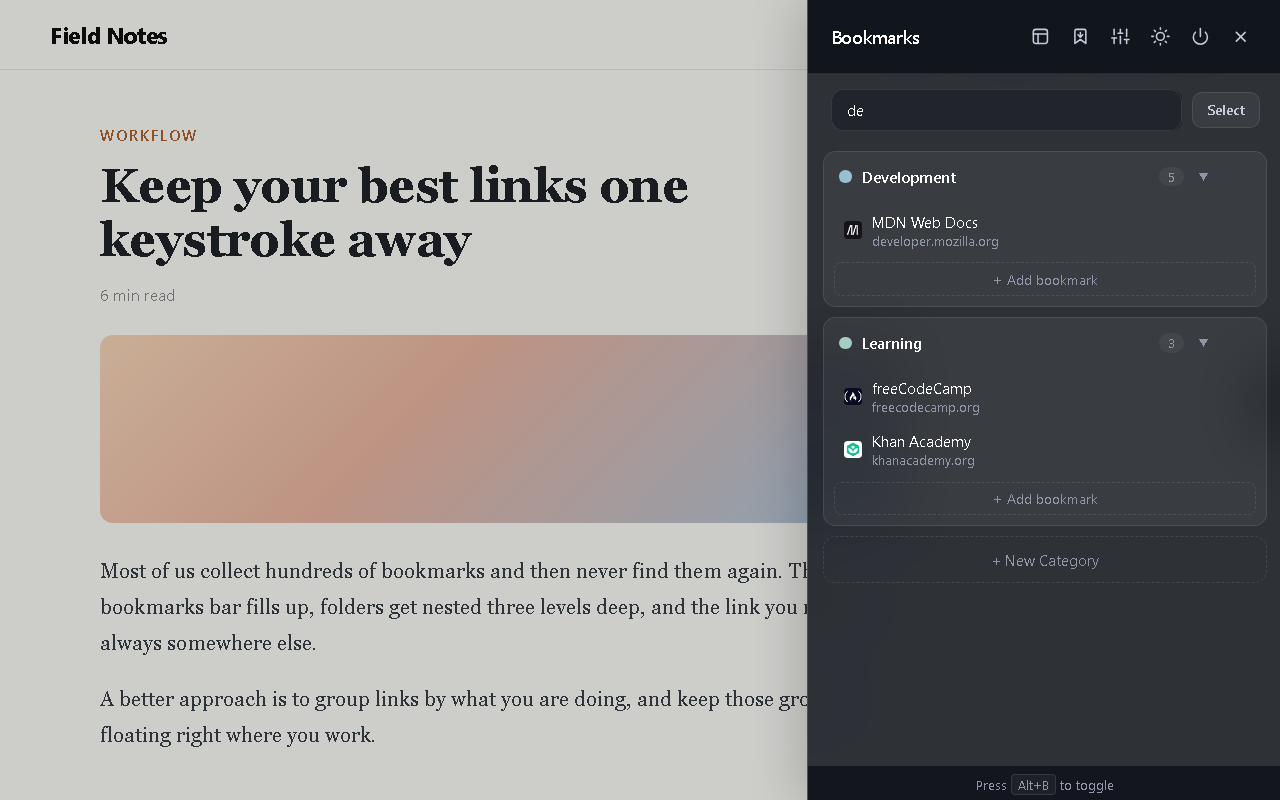 |
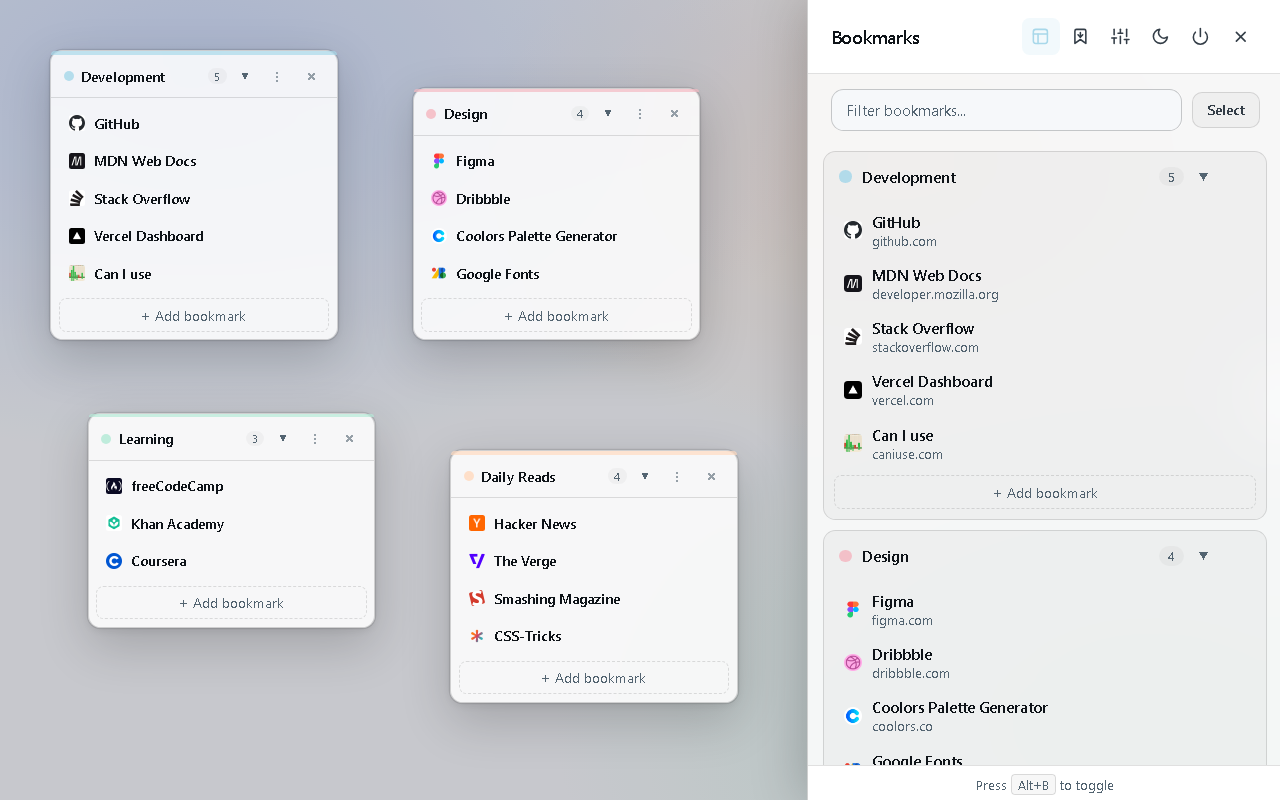 |
Install
From the store (recommended): Chrome Web Store
From source:
- Clone the repo:
git clone https://github.com/Masad791/BookmarkPanels.git - Open
chrome://extensionsand turn on Developer mode (top right). - Click Load unpacked and select the
BookmarkPanelsfolder (the one withmanifest.json). - Open any website and press
Alt+B.
After changing the code, click the reload icon on the extension’s card in chrome://extensions, then refresh the page.
Shortcuts
| Action | How |
|---|---|
| Open / close the sidebar | Alt+B, the toolbar button, or the right-edge tab |
| Show / hide floating panels | Panels button in the sidebar header |
| Close the sidebar or a dialog | Esc |
| Category or bookmark options | ⋮ next to the item |
| Reorder | Drag and drop |
You can change Alt+B at chrome://extensions/shortcuts.
How it works
No framework, no build step, no server. Plain JavaScript on Manifest V3.
any website
   └─ content script ── the panels & sidebar, rendered inside a closed Shadow DOM
        │                 (the site's CSS can't touch them, and theirs can't leak out)
        ├─ chrome.storage.local ── categories, panel positions, theme
        └─ service worker ──────── chrome.bookmarks events, right-click menu, import
| File | What it does |
|---|---|
manifest.json |
Permissions, shortcut, content script registration |
content/content.js |
The whole UI: sidebar, floating panels, search, drag & drop |
background/service-worker.js |
Syncs with Chrome bookmarks, context menu, import |
Privacy
Your bookmarks and settings never leave your browser. To show website icons, the extension asks Google’s or DuckDuckGo’s public favicon service for the site’s domain only (for example github.com). Full links are never sent. Read the privacy policy.
Contributing
Bug reports and ideas are welcome. Please open an issue. Pull requests are welcome too; for bigger changes, open an issue first so we can talk it through.
If you find it useful, a ⭐ here or a review on the store helps a lot.
License
MIT © 2026 Asad